Monday, January 22, 2018

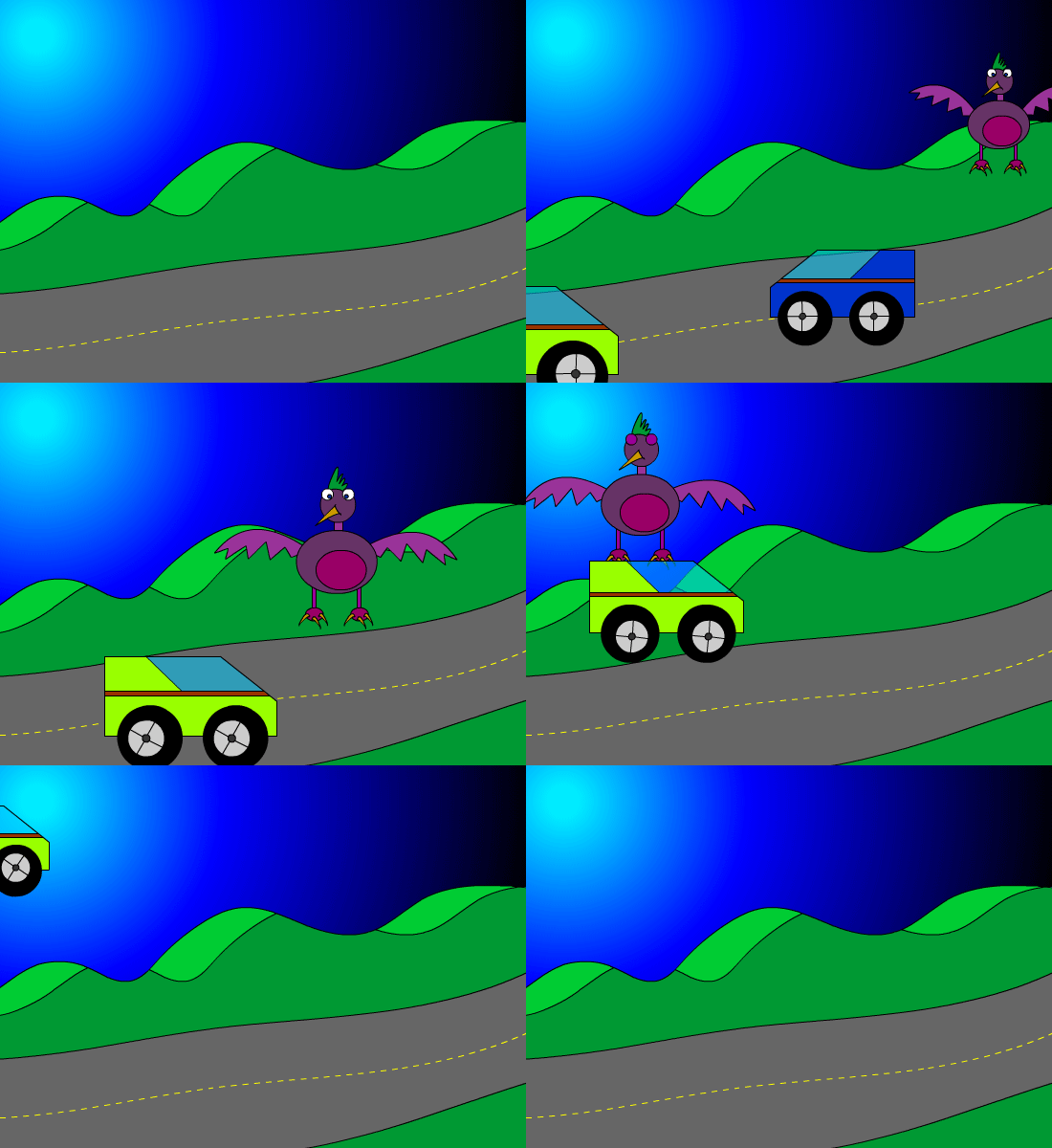
Week 23 2018: Shape Tweens & Graphic Symbol

Jan. 22 - 26, 2018


 Objective: Draw using shapes and lines.
Assignment: Shape Tween Animation 25 pts.
Details: Use the drawing tools to draw a background in Animate. Use color and the gradient tool to make it look good.
Save As: Shapetween.fla


Objective: Use Graphic Symbols to Animate
Assignment: Graphic Symbol (50 pts)
Details: Draw an object and convert to a Graphic Symbol. Double click on the symbol and animate on new timeline.
Save As: GraphicSymbol.fla


Video Tutorials

Shape Tween Animation

Graphic Symbol

Pause a Character
Grow Character


Wednesday, January 10, 2018

Week 21b 2018: Basic Animation

Jan. 8 - 12, 2018

Objective: Animate using the timeline.
Assignment: 5 second frame by frame animation. (50 pts)
Details: Use the timeline to create a frame by frame animation. You will need to use the hot key F6 to create a key frame & Shift + F5 to remove key frames. The animation will go for 120 frames which is 5 seconds.


Objective: Use Tween to Animate
Assignment: Tween Animation (50 pts)
Details: Use the timeline to create a tween animation. You will need to use the hot key F5 to create a  frames & Shift + F5 to remove frames. The animation will go for 120 frames which is 5 seconds. Use a minimum of 3 Layers.


Video Tutorals

Tween Animation

Flash Short Cuts

Pause a Character
Grow Character


Monday, January 8, 2018

Week 21 2018: Testing

January 8-12, 2018


1-Pre-Test (50pts)
Period 1
Period 4
Period 6
Period 7

2-Kahoots (25pts)


3-State Test Review (25pts)
Nearpod Review


4-State Test Code (200pts)
1: BUVLSCJY
4: VCXKKM3P
6: JT7RXTVH
7: JASGXJMT

 https://www.precisionexams.com/usoe/welcome/

5-Submit Portfolio (100pts)
https://goo.gl/forms/ler1PEhnRR6D9Qgn2

6-Sr. Survey. (Only if you are a Senior.)
https://docs.google.com/forms/d/e/1FAIpQLSfq86wzAMRkbVyFmk6IaWMyl85rD82euhimIJxaOaMw7Z4YCQ/viewform

Tuesday, January 2, 2018

Week 20 2018: Adobe Animation

Jan. 2 - 5, 2018


Objective: Draw using shapes and lines.
Assignment: Drawing 50 pts.
Details: Use the drawing tools to draw a background in Adobe Animation. Use color and the gradient tool to make it look good.


Video Tutorial


Flash Properties & Stage


Flash Selection Tool


Flash scale & rotate


Flash Color & Gradient Tool


Flash Drawing Backgrounds


Flash Drawing Characters


Thursday, December 14, 2017

Week 18 2017: Animated Gif

Dec. 11 - 15, 2017

Objective: Edit Video Clips in Photoshop
Assignment: Animated Gif
Details: Animate two layers and save for web to create animated gif.
Size: 200 px. x 200 px. 72 Resolution.


Photoshop: Creating an animated gif
end

Monday, December 11, 2017

Week 17 2017: Collage

December 11 - 15, 2017


Objective: Combine 5 or more image in a layout.
Assignment: Collage
Details: Create a collage using 5 or more image. Include text, layer styles and a background.
Size: 10" x 7.5" 225 Resolution.


Wednesday, December 6, 2017

Week 16 2017: Product Design

Dec. 4-8, 2017

Assignment: T-Shirt Design
Dimensions: 8.5 inches by 11 inches. 225 Resolution
Download: http://www.threadless.com/templates/Threadless-Submission-Kit.zip
Link: http://www.threadless.com/
Link: http://www.redbubble.com/

Examples:


Photoshop Assignments