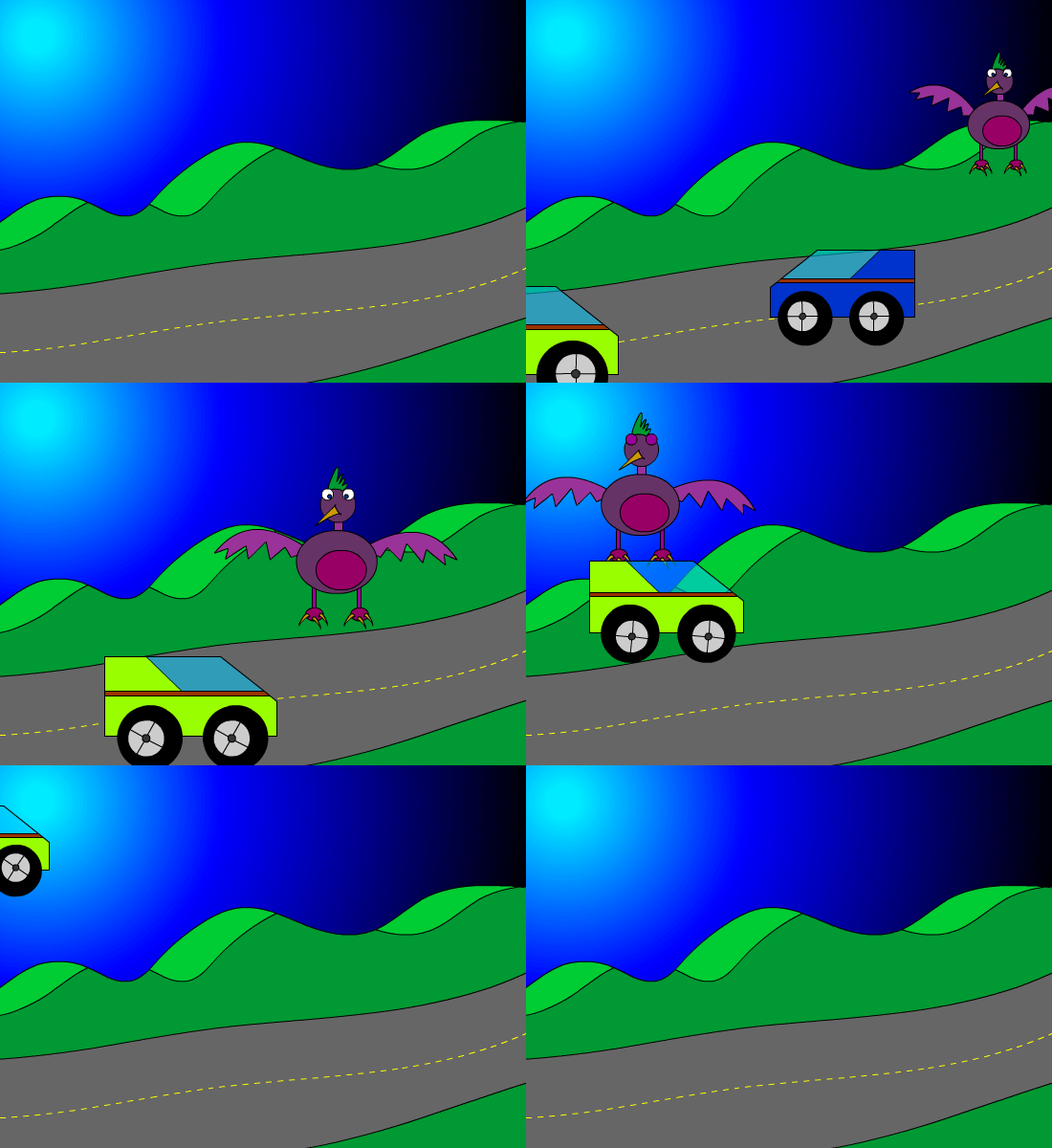
Assignment: 5 Sound FX (50 pts) Details: Use sounds library in flash, download or create sound effects in Garage Band. Use .mp3 or .wav files when importing into flash.
Objective: Scene Animation Assignment: Animation Clip Details: Export what you have animated up to this point. Save as: .swf, .mp4, or .mov Click to download Level 1-4
Assignment: Create 5 characters and 5 Backgrounds.
- 5 Characters (50 pts)
- 5 Backgrounds (50 pts) Details: Using scenes, create five different points of view. For example create an establishing shot from a distance, use medium shots, close ups birds eye view, and other angles.
Objective: Draw using shapes and lines. Assignment: Shape Tween Animation 25 pts. Details: Use the drawing tools to draw a background in Animate. Use color and the gradient tool to make it look good. Save As: Shapetween.fla
Objective: Use Graphic Symbols to Animate Assignment: Graphic Symbol (50 pts) Details: Draw an object and convert to a Graphic Symbol. Double click on the symbol and animate on new timeline. Save As: GraphicSymbol.fla
Objective: Animate using the timeline. Assignment: 5 second frame by frame animation. (50 pts) Drawing: Find on notebook or a sticky pad. Create a short frame by frame animation on the corner of 30 pages to make an animation. Flip book Example Details: Use the timeline to create a frame by frame animation. You will need to use the hot key F6 to create a key frame & Shift + F5 to remove key frames. The animation will go for 120 frames which is 5 seconds. Video Tutorial:002 Adobe Animate: frame by frame
Objective: Use Tween to Animate Assignment: Tween Animation (50 pts) Details: Use the timeline to create a tween animation. You will need to
use the hot key F5 to create a frames & Shift + F5 to remove frames. The animation will go for 120 frames which is 5 seconds. Use a minimum of 3 Layers. Video Tutorial:
Objective: Draw using shapes and lines. Assignment: Drawing 50 pts. Details: Use the drawing tools to draw a background in Adobe Animation. Use color and the gradient tool to make it look good.